Is it worth connecting AI to Google Sheets as a first CRM? The calculation
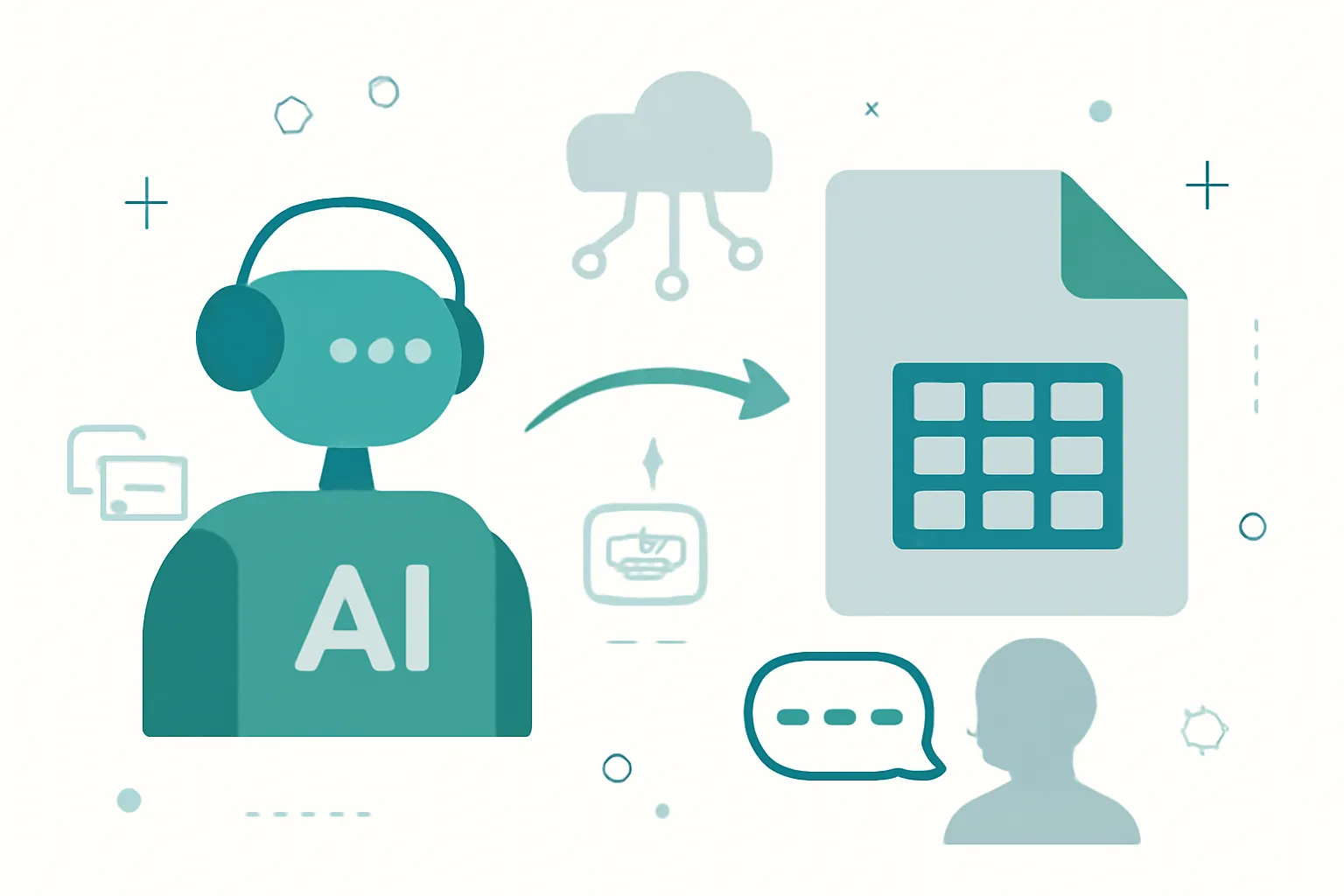
Many businesses tell us, a bit embarrassed, that their CRM is a spreadsheet. There's nothing to correct there: a well-maintained sheet is a legitimate CRM to start with, and AI can write in it just like in HubSpot. The right question is not whether it's professional, but whether it's cost-effective. Let's do the math.
The short answer: yes, it's possible. Google Sheets has a public API and an AI agent can connect to it today so your calls and WhatsApp conversations are handled and recorded without manual work. At Veltim we design and deploy this integration: the first call is free and the quote is fixed. The rest of the article explains how.
Google Sheets is Google's spreadsheet and, in practice, the first CRM for thousands of SMEs: one tab with customers, another with quotes, and an entire team that knows how to use it without training.
What the Google Sheets API allows
Its public API reads and writes cells and ranges with OAuth authorization or service accounts: enough for an agent to add a row for each call or conversation with date, name, phone, reason and outcome, without touching the rest of the sheet.
That the API is public and documented matters more than it seems: it means the integration doesn't rely on hacks or opaque connectors, but on an official contract that the platform itself maintains. The full reference is in the Google Sheets API developer documentation.
What it automates (and therefore, what it saves)
Every call the agent answers becomes a new row in your sheet: who called, when, what they wanted and how it ended. WhatsApp conversations, the same. The sheet you already use goes from being filled in by hand at the end of the day to being always up to date, and your team doesn't have to learn any new tool.
The principle is always the same: the AI agent handles the conversation and Google Sheets updates itself. No jotting notes on paper to transfer later, no leads lost between the phone and the CRM.
This integration delivers most value for small businesses that aren't yet using a CRM and want to automate without changing tools.
What you should know beforehand
A sheet doesn't manage duplicates, per-customer history, or fine-grained permissions: it works up to a volume. The signal to move to a CRM is clear: when you search for a customer and there are three separate rows for them. The good news is that the integration can be migrated: what the agent writes in Sheets can be redirected to write in a CRM.
To be clear: none of these points prevents the integration. They are design decisions we resolve before connecting anything, and that's why our quote is fixed: the tool's limitations are already accounted for. The rule is design first and connect later: which records the agent creates, which it updates, and what always remains in the team's hands.
Frequently asked questions
Can AI be connected to the sheet I already have, with my columns?
Yes: the agent writes respecting your current columns; it won't impose a template. At most, we add some new columns (call source, outcome) to give you information you don't have today.
When is it worth moving from Google Sheets to a real CRM?
When the volume makes you lose things: duplicates, forgotten follow-ups, several people editing at once. On that day, the integration is not discarded: it's reconnected to the chosen CRM and the sheet remains as historical records.
Do I have to change tools to work with Veltim?
No. The integration is built on what you already use: the advantage of tools with a public API like Google Sheets is precisely that they don't force any migration.
Who implements this integration and how much does it cost?
It's designed and implemented by Veltim, an AI automation agency from Madrid that works remotely across Spain. The price depends on your volume and what needs to be connected: in a free call we review your Google Sheets account and give you a fixed quote with concrete deadlines.
Google Sheets is a registered trademark of its owner. Veltim is not affiliated with or sponsored by the brand: this article describes a technical integration via its public API.
Do you use Google Sheets and want your calls and WhatsApp messages to register themselves? Tell us about your case and we'll review it on your real account. You have the full catalog of tools we connect in integrations, and you can also see how our voice agents and chatbots work or read customer cases.
In short
Connecting an AI agent to Google Sheets via its public API is technically feasible and cost-effective for many small businesses. It automates call and chat logging without forcing tool changes, but a spreadsheet has limits that should be planned for; the integration can later be migrated to a CRM when needed.
Kevin Rojas — Fundador de Veltim. Programador e ingeniero de IA: agentes de voz, chatbots de WhatsApp e integraciones con CRM para negocios reales. LinkedIn · YouTube · Sobre Veltim
Contact: veltim.com · Phone: +34 623 05 08 56 · Madrid, Spain.